Original: $5.85
-70%$5.85
$1.75The Story
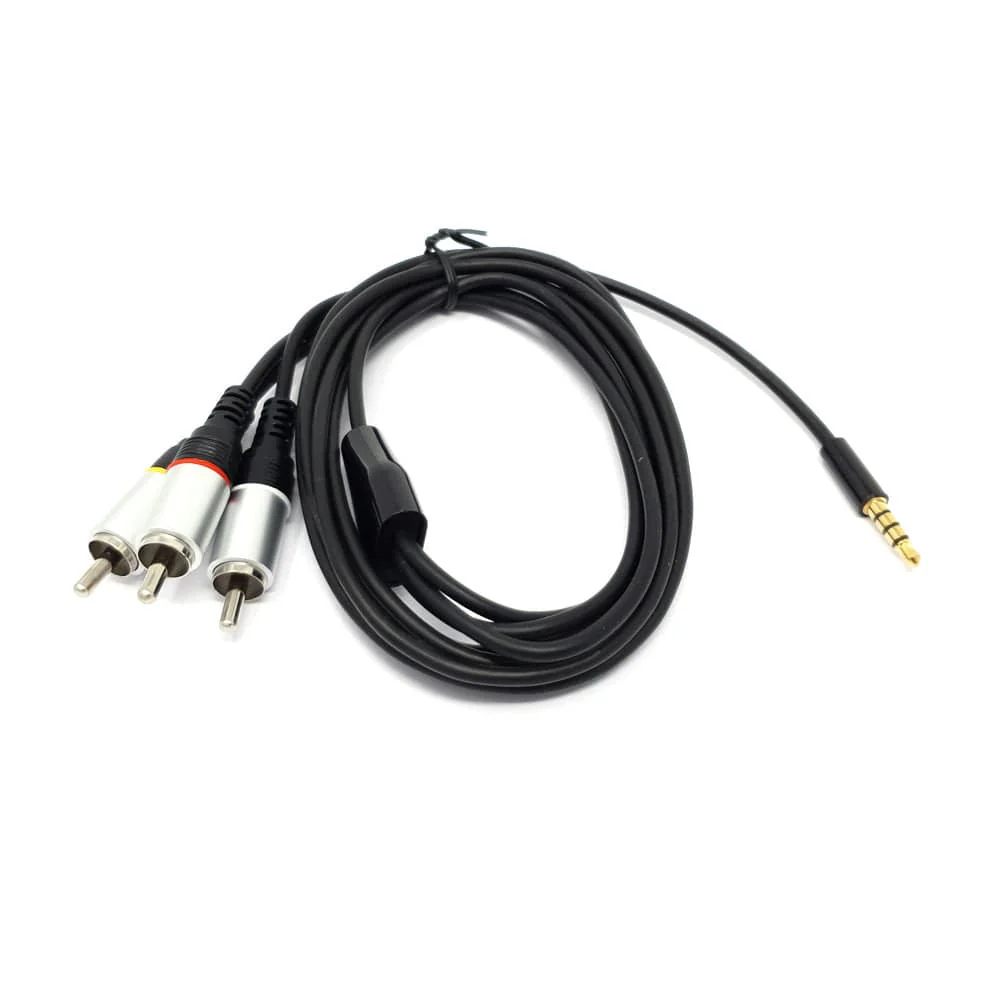
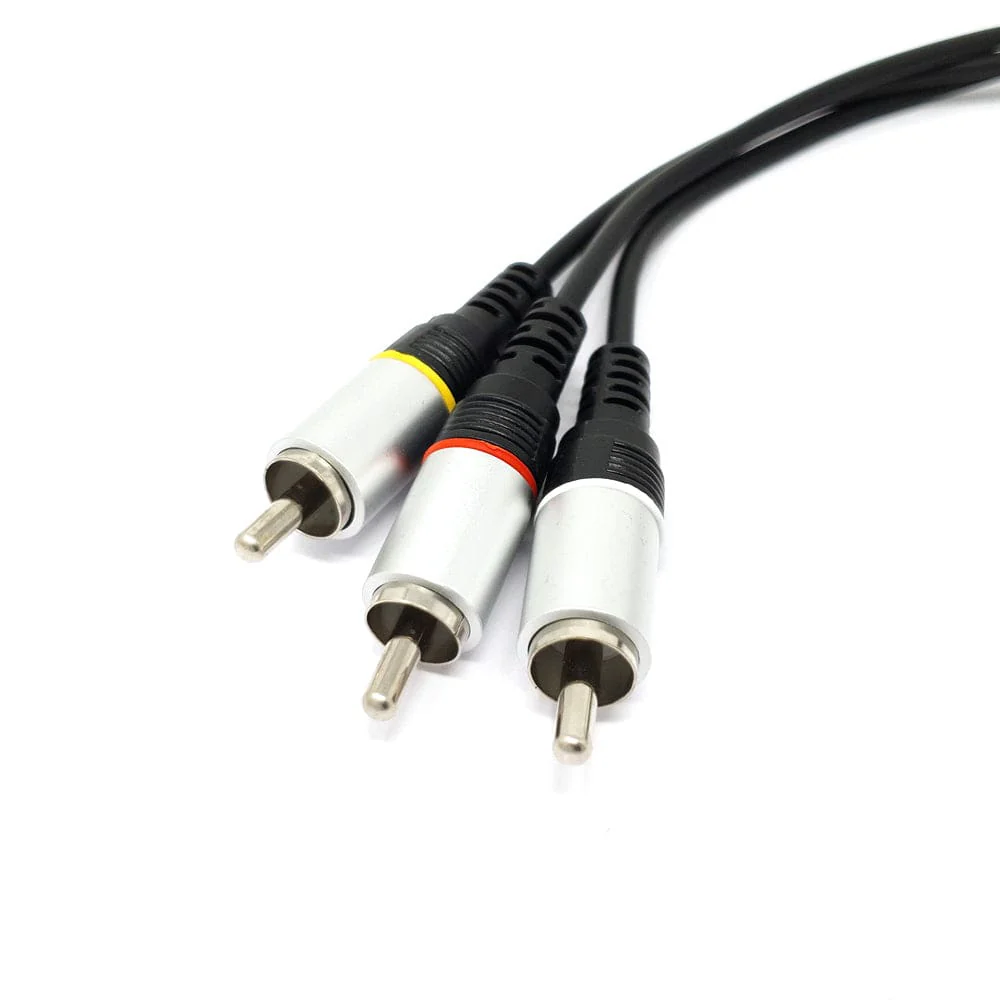
This cable plugs directly into your Raspberry Pi's 3.5mm jack and splits the signal into standard composite connections - red and white for audio and a single yellow composite video connection.
Also known as RCA connections, the composite ends can be plugged into your audio/visual system as another option for hooking your Raspberry Pi if HDMI isn't suitable for your project. The cable is approximately 5 feet long.
Remember to change the sound source, as your Raspberry Pi will likely still be pushing audio to the HDMI connection. To do this, right-click on the sound icon and select your audio device there. You can also select audio devices in the terminal via 'sudo raspi-config', selecting 'Advanced Options' then 'Audio'.
Pinout
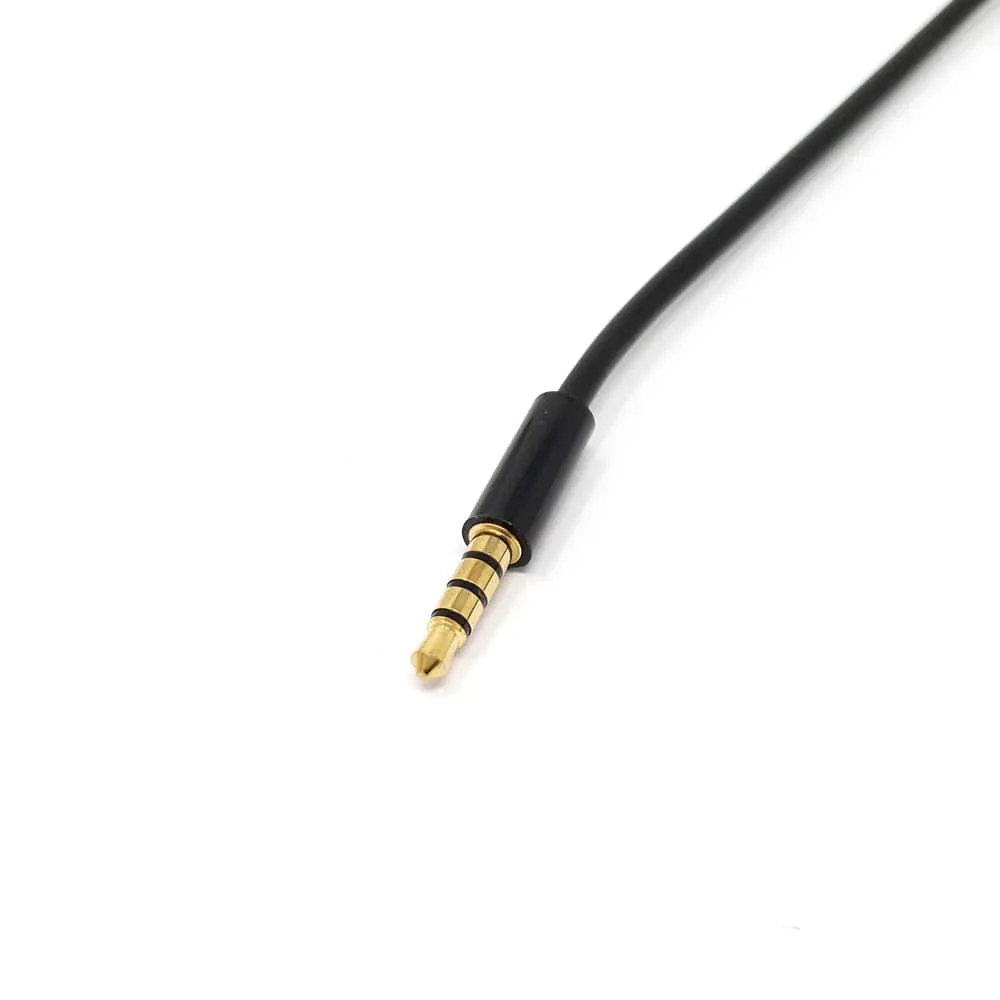
From the sleeve to the tip in order: VIDEO (Sleeve) - GND - RIGHT AUDIO - LEFT AUDIO (Tip)
Features
- Compatible with the Raspberry Pi
- Weight: 44g
- Cable length: 5 feet
Details & Craftsmanship
Every detail has been carefully considered to bring you the perfect product.
Details & Craftsmanship
Every detail has been carefully considered to bring you the perfect product.
Description
This cable plugs directly into your Raspberry Pi's 3.5mm jack and splits the signal into standard composite connections - red and white for audio and a single yellow composite video connection.
Also known as RCA connections, the composite ends can be plugged into your audio/visual system as another option for hooking your Raspberry Pi if HDMI isn't suitable for your project. The cable is approximately 5 feet long.
Remember to change the sound source, as your Raspberry Pi will likely still be pushing audio to the HDMI connection. To do this, right-click on the sound icon and select your audio device there. You can also select audio devices in the terminal via 'sudo raspi-config', selecting 'Advanced Options' then 'Audio'.
Pinout
From the sleeve to the tip in order: VIDEO (Sleeve) - GND - RIGHT AUDIO - LEFT AUDIO (Tip)
Features
- Compatible with the Raspberry Pi
- Weight: 44g
- Cable length: 5 feet