Original: $4.08
-70%$4.08
$1.22The Story
Got a TV with no HDMI input, but still want to hack your Raspberry Pi? Don't worry! The Raspberry Pi Model B+/2/3/4 comes equipped with a neat 4-pole Composite Video/Audio Jack, and we've got just the cable for you!
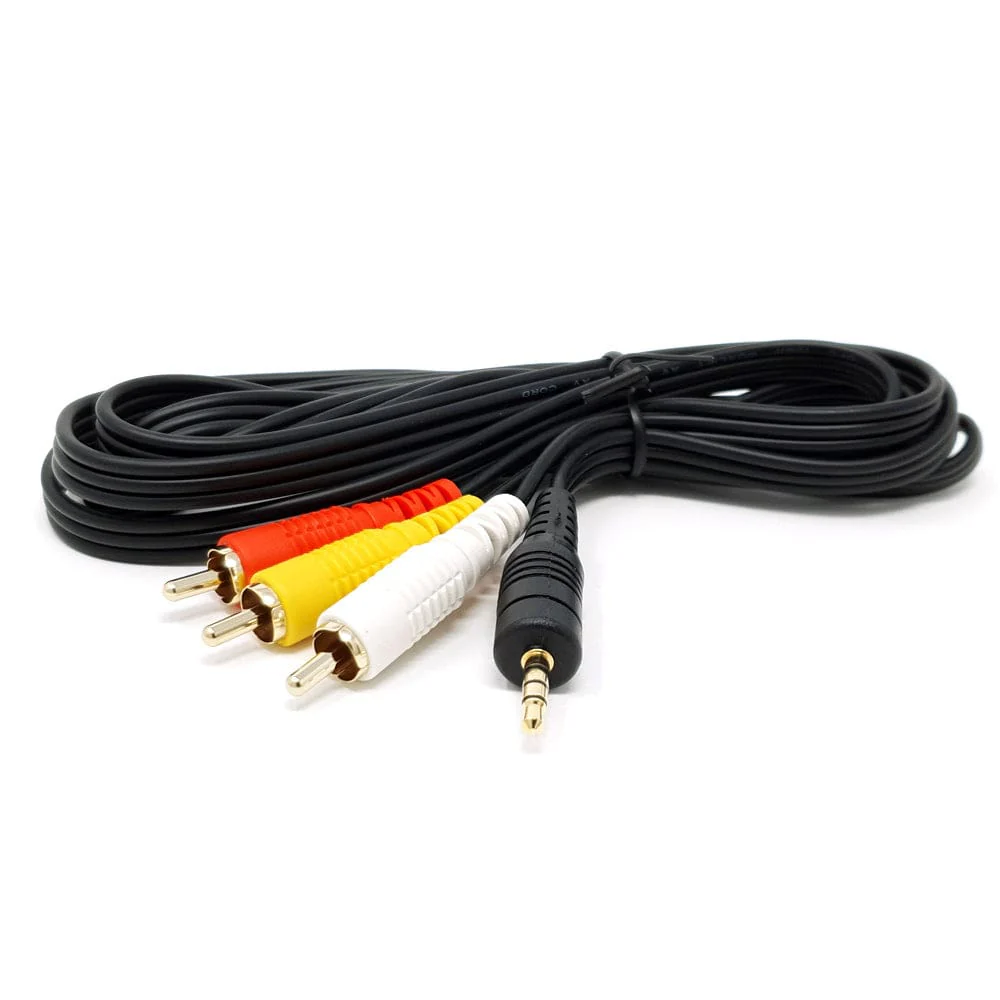
Plug this 2m cable into your Raspberry Pi's composite 3.5mm Jack, and your Pi will output Video (1-line) and Audio (2-lines) via the three RCA connectors.
Helpful Tips
- On the first startup (when installing an OS via the NOOBs distribution), hold 3 at boot for PAL, or 4 at boot for NTSC. This will force output via composite instead of HDMI
- If you have installed an operating system with an HDMI cable, and want to change to composite hold SHIFT+3 at boot for PAL, or SHIFT+4 at boot for NTSC
Connector Layout
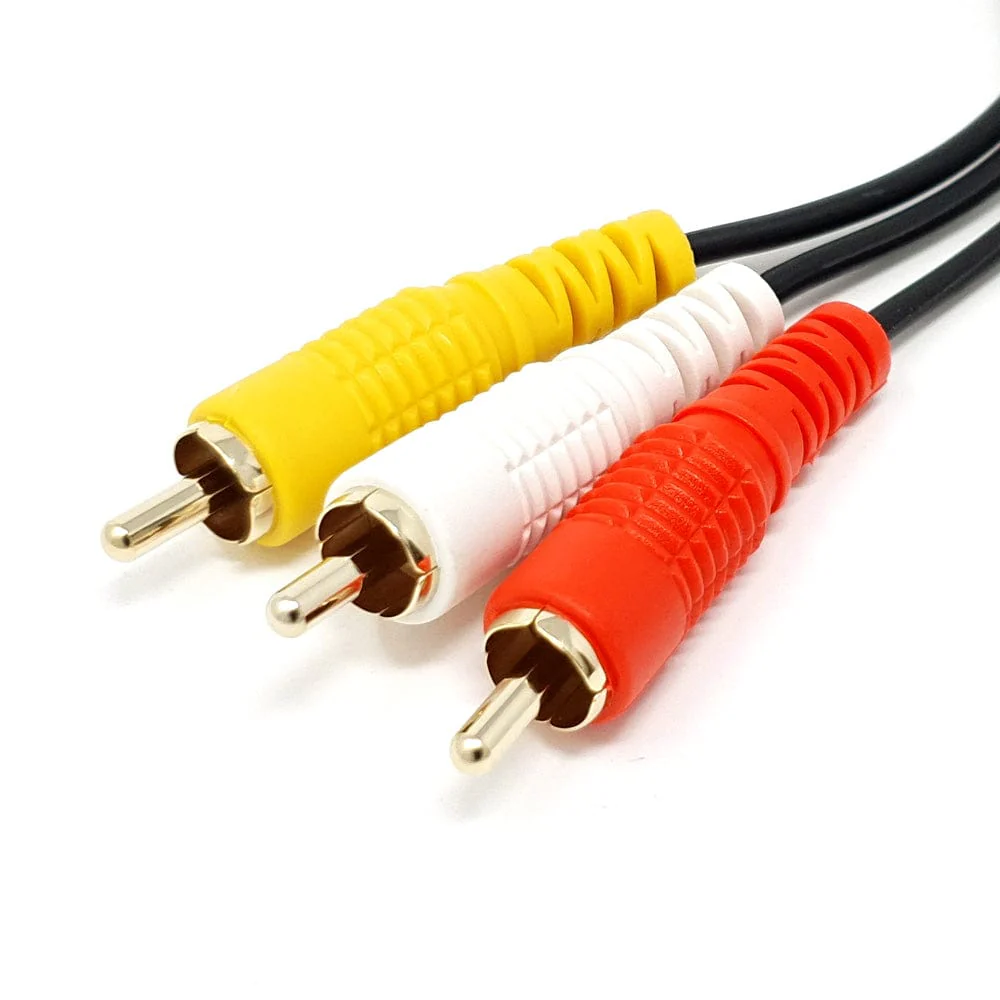
- Red - Video
- Yellow - Right Audio
- White - Left Audio
Features:
- Tested for Compatibility with the Raspberry Pi
- Gold Plated Connectors
- 2m Long
- Colour: Black
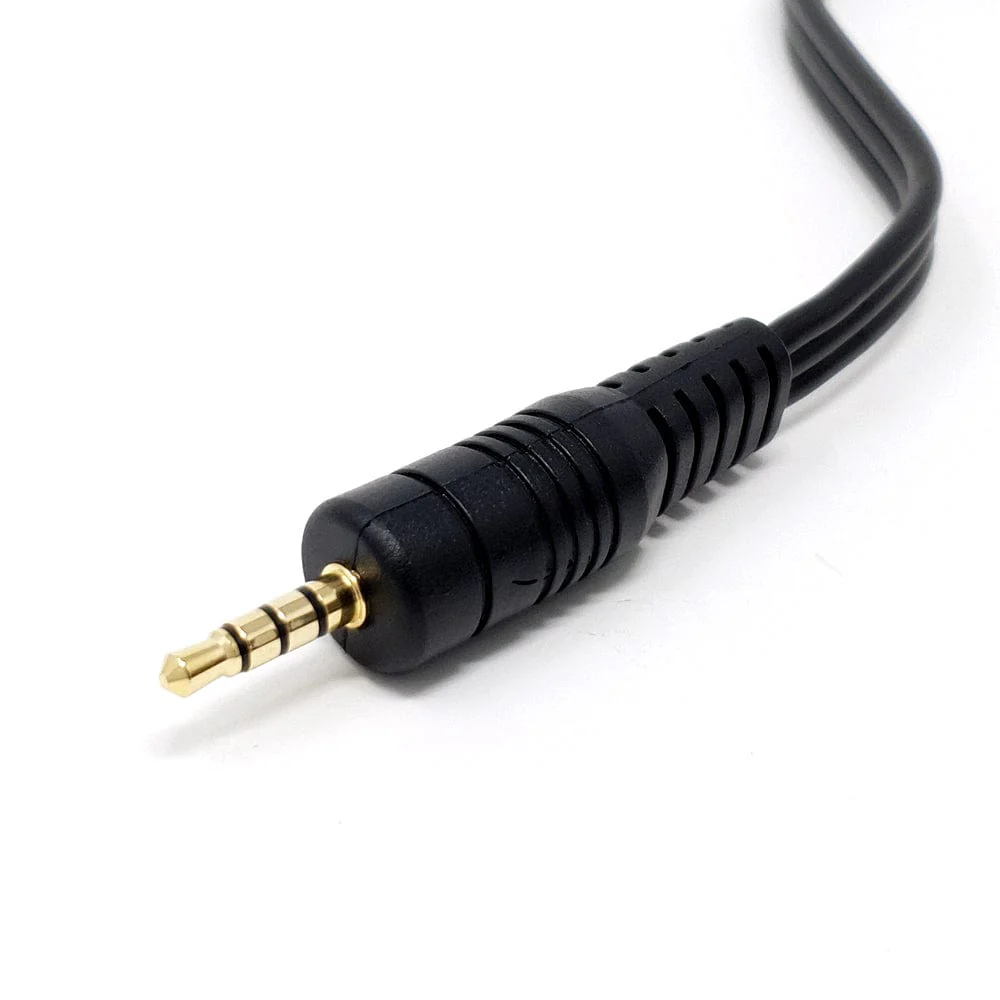
- Connector Type A: 4-Way 3.5mm Audio Jack (4-pole)
- Connector Type B: 3 x RCA Connectors
Details & Craftsmanship
Every detail has been carefully considered to bring you the perfect product.
Details & Craftsmanship
Every detail has been carefully considered to bring you the perfect product.
Description
Got a TV with no HDMI input, but still want to hack your Raspberry Pi? Don't worry! The Raspberry Pi Model B+/2/3/4 comes equipped with a neat 4-pole Composite Video/Audio Jack, and we've got just the cable for you!
Plug this 2m cable into your Raspberry Pi's composite 3.5mm Jack, and your Pi will output Video (1-line) and Audio (2-lines) via the three RCA connectors.
Helpful Tips
- On the first startup (when installing an OS via the NOOBs distribution), hold 3 at boot for PAL, or 4 at boot for NTSC. This will force output via composite instead of HDMI
- If you have installed an operating system with an HDMI cable, and want to change to composite hold SHIFT+3 at boot for PAL, or SHIFT+4 at boot for NTSC
Connector Layout
- Red - Video
- Yellow - Right Audio
- White - Left Audio
Features:
- Tested for Compatibility with the Raspberry Pi
- Gold Plated Connectors
- 2m Long
- Colour: Black
- Connector Type A: 4-Way 3.5mm Audio Jack (4-pole)
- Connector Type B: 3 x RCA Connectors