The Story
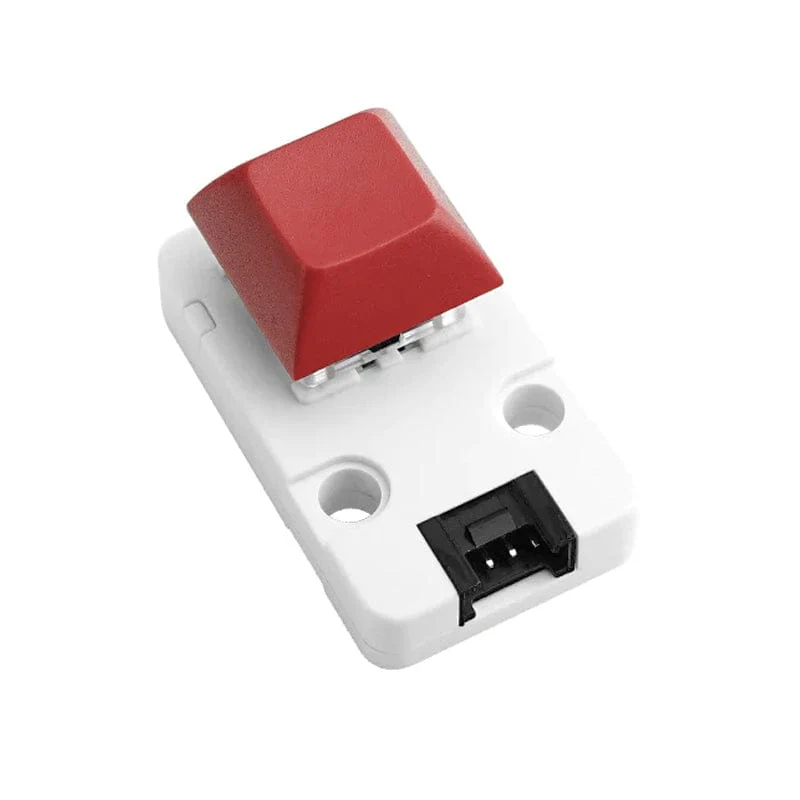
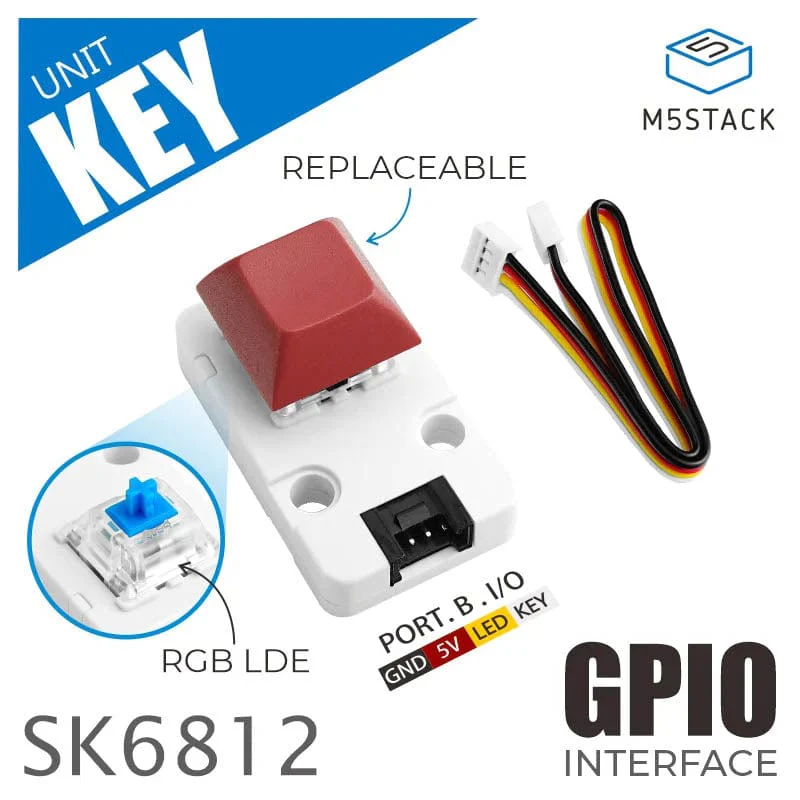
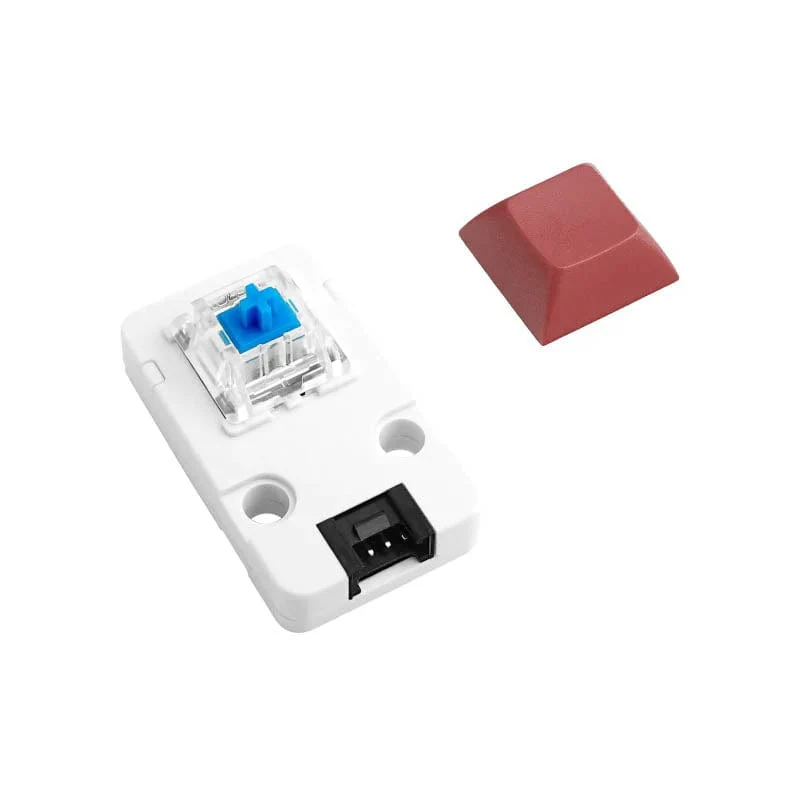
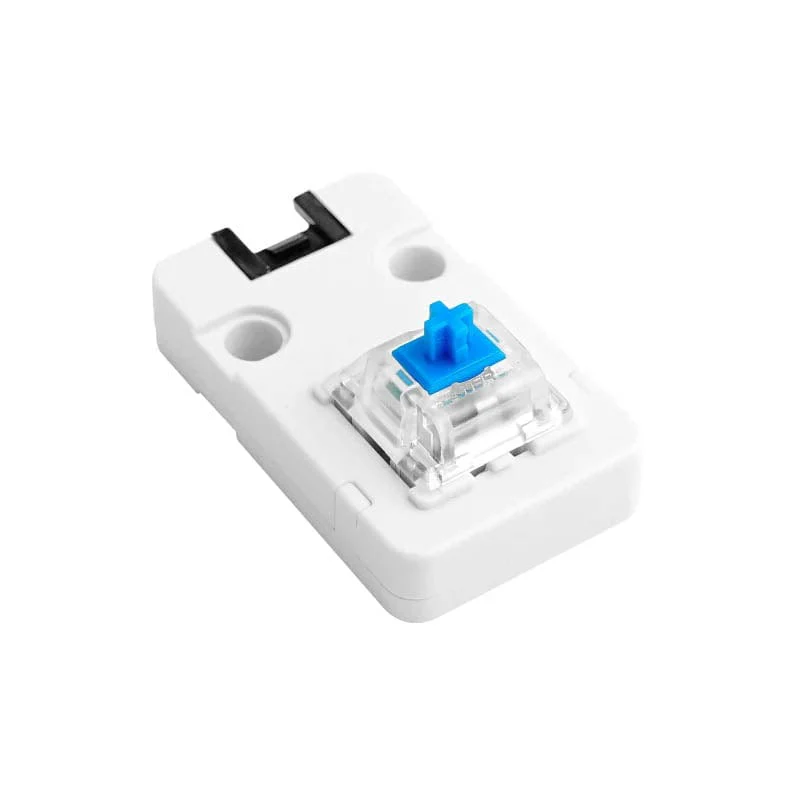
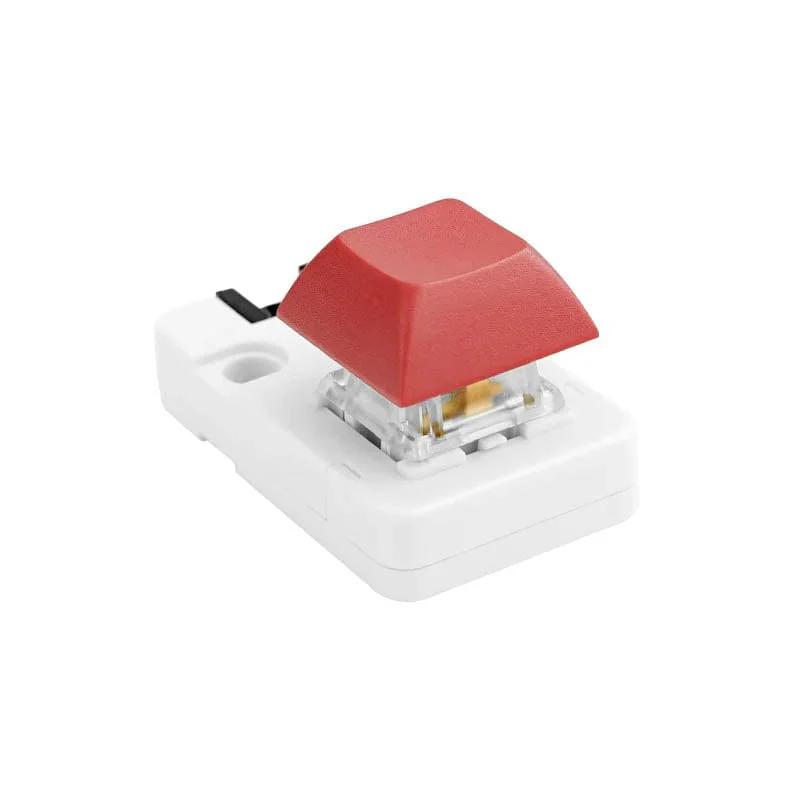
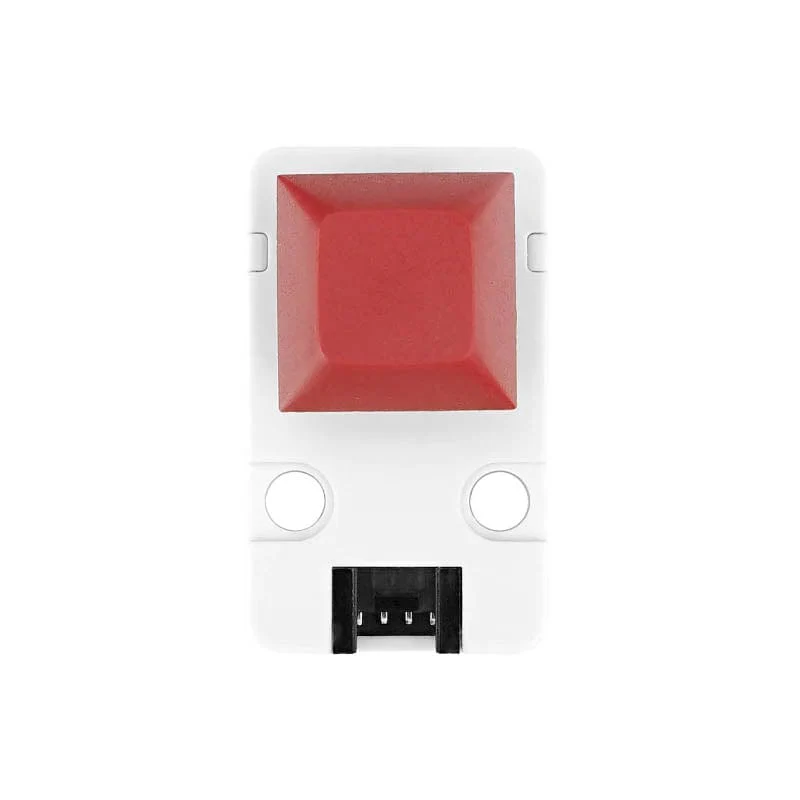
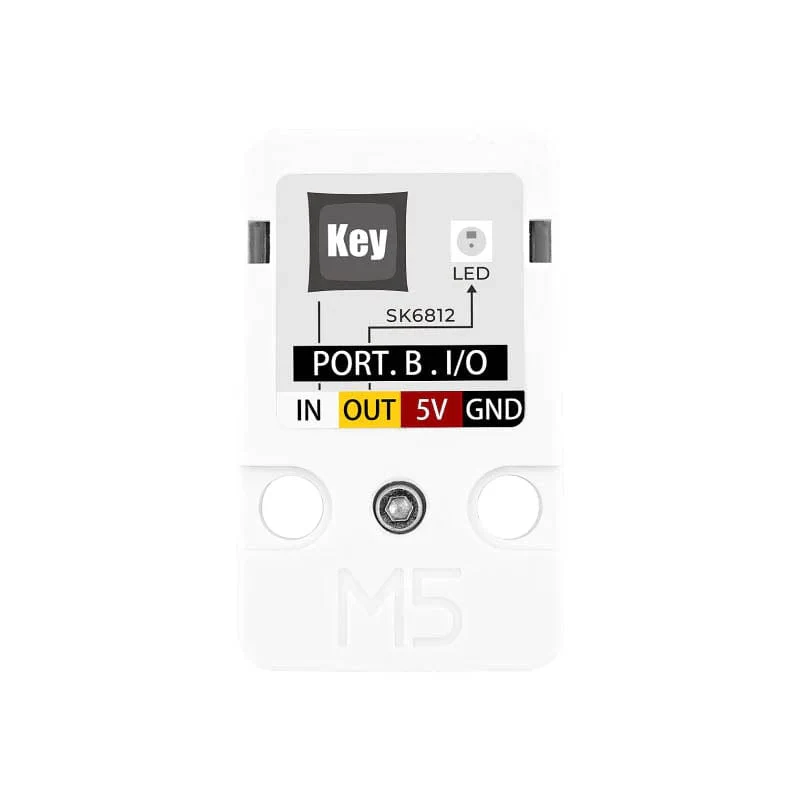
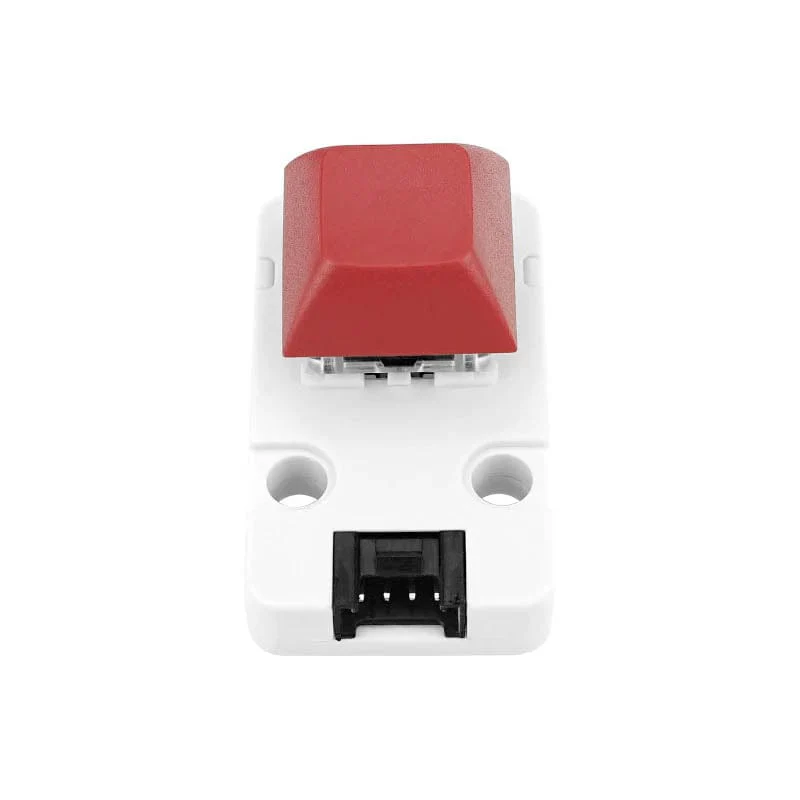
The Mechanical Key Button Unit from M5Stack is a single mechanical key input unit with a built-in RGB LED.
The key shaft adopts a Blue switch with a tactile bump and audible click feature. The unit has an embedded programable SK6812 RGB LED and supports 256 level brightness. Two digital IOs are available for key status and LED control key status and lighting control. Suitable for multiple HMI applications.
Features
- Blue switch with tactile bump and audible click
- Programable RGB LED - SK6812
Package Contents
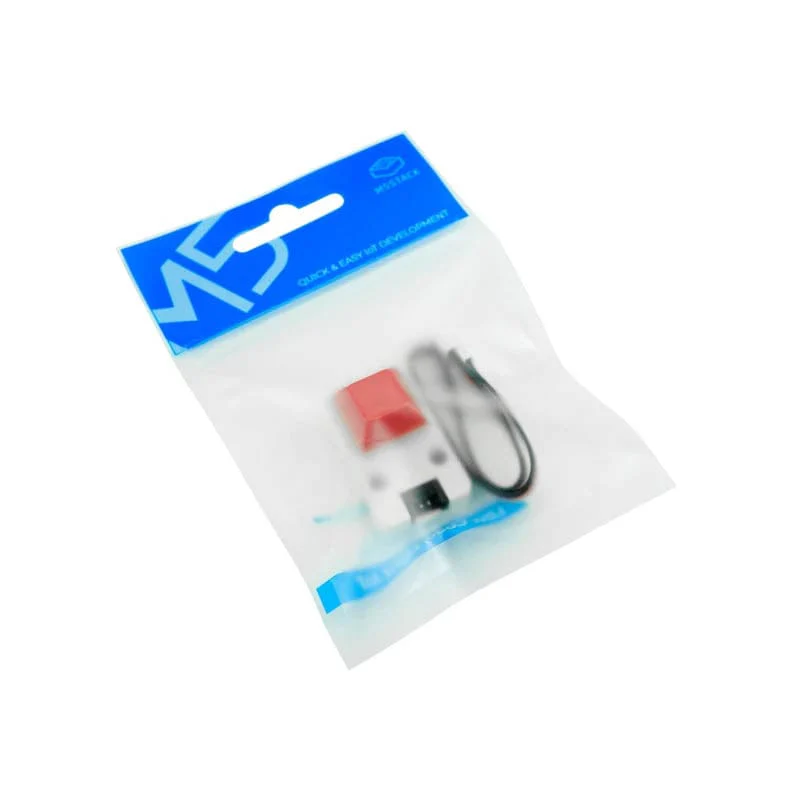
- 1x Unit Key
- 1x HY2.0 4-pin Cable (20cm)
Specifications
| Power Supply | DC 5V |
| Output Logical Signal | DC 3.3V |
| Standby Current | DC5V@2mA |
| Operating current | DC5V@13mA |
| Net weight | 7.6g |
| Gross weight | 13.1g |
| Product Dimensions | 40 * 24 * 22.6mm |
| Package Size | 90 * 135mm |
Resources
- Product Documentation
- Schematic
- Arduino Example:
- UNIT Key Example
- FastLED Library
- FastLED API Reference
Pinout
| M5CORE - PORT B | G36 | G26 |
| UNIT Key | Button Input | RGB LED Control |
Arduino Example Code
#include
#include

uint8_t ledColor = 0;

#define KEY_PIN  36
#define LED_PIN 26

CRGB LED[1];

void setup() {
    M5.begin();
    M5.Lcd.setTextSize(3);
    M5.Lcd.print("\n UNIT-KEY Example\n\n    Key State:");
    /* Init key pin */
    pinMode(KEY_PIN, INPUT_PULLUP);
    /* Init RGB led */
    FastLED.addLeds(LED, 1);
    LED[0] = CRGB::Blue;
    FastLED.setBrightness(0);
}

void loop() {
    /* If Key was pressed */
    if (!digitalRead(KEY_PIN)) {
        M5.Lcd.setCursor(75, 130);
        M5.Lcd.print((" Pressed "));
        FastLED.setBrightness(255);
        FastLED.show();
        /* Hold until the key released */
        while (!digitalRead(KEY_PIN))
            ;
    } else {
        M5.Lcd.setCursor(75, 130);
        M5.Lcd.println(("Released"));
        FastLED.setBrightness(0);
        FastLED.show();
    }
    delay(100);
}
Details & Craftsmanship
Every detail has been carefully considered to bring you the perfect product.
Details & Craftsmanship
Every detail has been carefully considered to bring you the perfect product.
Details & Craftsmanship
Every detail has been carefully considered to bring you the perfect product.
Details & Craftsmanship
Every detail has been carefully considered to bring you the perfect product.
Details & Craftsmanship
Every detail has been carefully considered to bring you the perfect product.
Details & Craftsmanship
Every detail has been carefully considered to bring you the perfect product.
Details & Craftsmanship
Every detail has been carefully considered to bring you the perfect product.
Details & Craftsmanship
Every detail has been carefully considered to bring you the perfect product.
Description
The Mechanical Key Button Unit from M5Stack is a single mechanical key input unit with a built-in RGB LED.
The key shaft adopts a Blue switch with a tactile bump and audible click feature. The unit has an embedded programable SK6812 RGB LED and supports 256 level brightness. Two digital IOs are available for key status and LED control key status and lighting control. Suitable for multiple HMI applications.
Features
- Blue switch with tactile bump and audible click
- Programable RGB LED - SK6812
Package Contents
- 1x Unit Key
- 1x HY2.0 4-pin Cable (20cm)
Specifications
| Power Supply | DC 5V |
| Output Logical Signal | DC 3.3V |
| Standby Current | DC5V@2mA |
| Operating current | DC5V@13mA |
| Net weight | 7.6g |
| Gross weight | 13.1g |
| Product Dimensions | 40 * 24 * 22.6mm |
| Package Size | 90 * 135mm |
Resources
- Product Documentation
- Schematic
- Arduino Example:
- UNIT Key Example
- FastLED Library
- FastLED API Reference
Pinout
| M5CORE - PORT B | G36 | G26 |
| UNIT Key | Button Input | RGB LED Control |
Arduino Example Code
#include
#include

uint8_t ledColor = 0;

#define KEY_PIN  36
#define LED_PIN 26

CRGB LED[1];

void setup() {
    M5.begin();
    M5.Lcd.setTextSize(3);
    M5.Lcd.print("\n UNIT-KEY Example\n\n    Key State:");
    /* Init key pin */
    pinMode(KEY_PIN, INPUT_PULLUP);
    /* Init RGB led */
    FastLED.addLeds(LED, 1);
    LED[0] = CRGB::Blue;
    FastLED.setBrightness(0);
}

void loop() {
    /* If Key was pressed */
    if (!digitalRead(KEY_PIN)) {
        M5.Lcd.setCursor(75, 130);
        M5.Lcd.print((" Pressed "));
        FastLED.setBrightness(255);
        FastLED.show();
        /* Hold until the key released */
        while (!digitalRead(KEY_PIN))
            ;
    } else {
        M5.Lcd.setCursor(75, 130);
        M5.Lcd.println(("Released"));
        FastLED.setBrightness(0);
        FastLED.show();
    }
    delay(100);
}