![Micro-HDMI to VGA Adaptor for Raspberry Pi 4 [Discontinued]](https://img.piphonic.shop/images/product/micro-hdmi-to-vga-adaptor-1.jpg)
Original: $5.45
-70%$5.45
$1.64The Story
If your monitor only supports VGA, or you simply don't have any HDMI ports spare, this adaptor will allow you to use your screen with a Raspberry Pi 4.
The adaptor plugs into your Raspberry Pi 4's Micro-HDMI port and accepts a male VGA connection on the other end - which you then simply plug into your monitor.
We tested this with our VGA monitor and one of our VGA cables - the Raspberry Pi OS display showed up instantly, without any configuration or additional power.
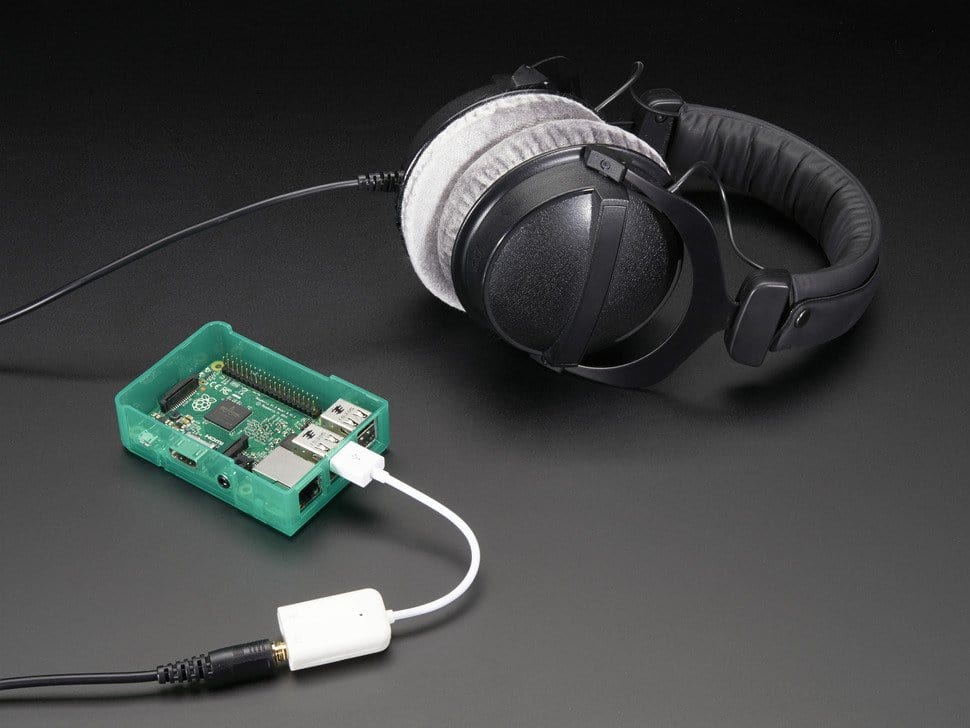
A 3.5mm audio jack port on the adapter can output HDMI audio from the Raspberry Pi - we tested this with a set of standard 3.5mm jack headphones running the usual speaker test (terminal command: speaker-test c2)
Compatible with the Raspberry Pi 4 only. If you need a similar adapter for your Pi Zero (Mini-HDMI) we have a great option here. We also stock a Pi3/3A+ (full-HDMI) version here.
Note
- VGA may limit the maximum resolution available from your Raspberry Pi
- Depending on the age and type of VGA monitor, some configuration may be required if you do not see a picture on boot
- The adapter has a male Micro-HDMI end and a female VGA end
- The adapter has a micro-USB connection for power, however in testing we found this was not required with a Raspberry Pi 4
![Micro-HDMI to VGA Adaptor for Raspberry Pi 4 [Discontinued] - Image 2](https://img.piphonic.shop/images/product/micro-hdmi-to-vga-adaptor-2.jpg)
Details & Craftsmanship
Every detail has been carefully considered to bring you the perfect product.
![Micro-HDMI to VGA Adaptor for Raspberry Pi 4 [Discontinued] - Image 3](https://img.piphonic.shop/images/product/micro-hdmi-to-vga-adaptor-3.jpg)
Details & Craftsmanship
Every detail has been carefully considered to bring you the perfect product.
Description
If your monitor only supports VGA, or you simply don't have any HDMI ports spare, this adaptor will allow you to use your screen with a Raspberry Pi 4.
The adaptor plugs into your Raspberry Pi 4's Micro-HDMI port and accepts a male VGA connection on the other end - which you then simply plug into your monitor.
We tested this with our VGA monitor and one of our VGA cables - the Raspberry Pi OS display showed up instantly, without any configuration or additional power.
A 3.5mm audio jack port on the adapter can output HDMI audio from the Raspberry Pi - we tested this with a set of standard 3.5mm jack headphones running the usual speaker test (terminal command: speaker-test c2)
Compatible with the Raspberry Pi 4 only. If you need a similar adapter for your Pi Zero (Mini-HDMI) we have a great option here. We also stock a Pi3/3A+ (full-HDMI) version here.
Note
- VGA may limit the maximum resolution available from your Raspberry Pi
- Depending on the age and type of VGA monitor, some configuration may be required if you do not see a picture on boot
- The adapter has a male Micro-HDMI end and a female VGA end
- The adapter has a micro-USB connection for power, however in testing we found this was not required with a Raspberry Pi 4