Original: $7.90
-70%$7.90
$2.37The Story
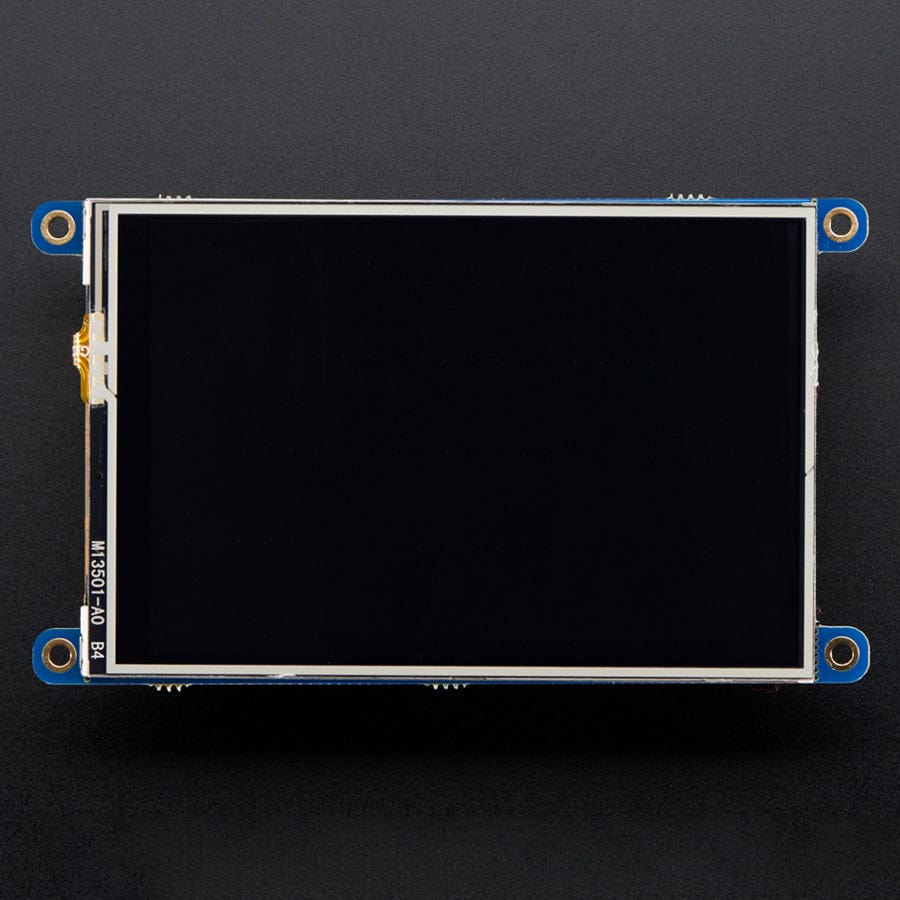
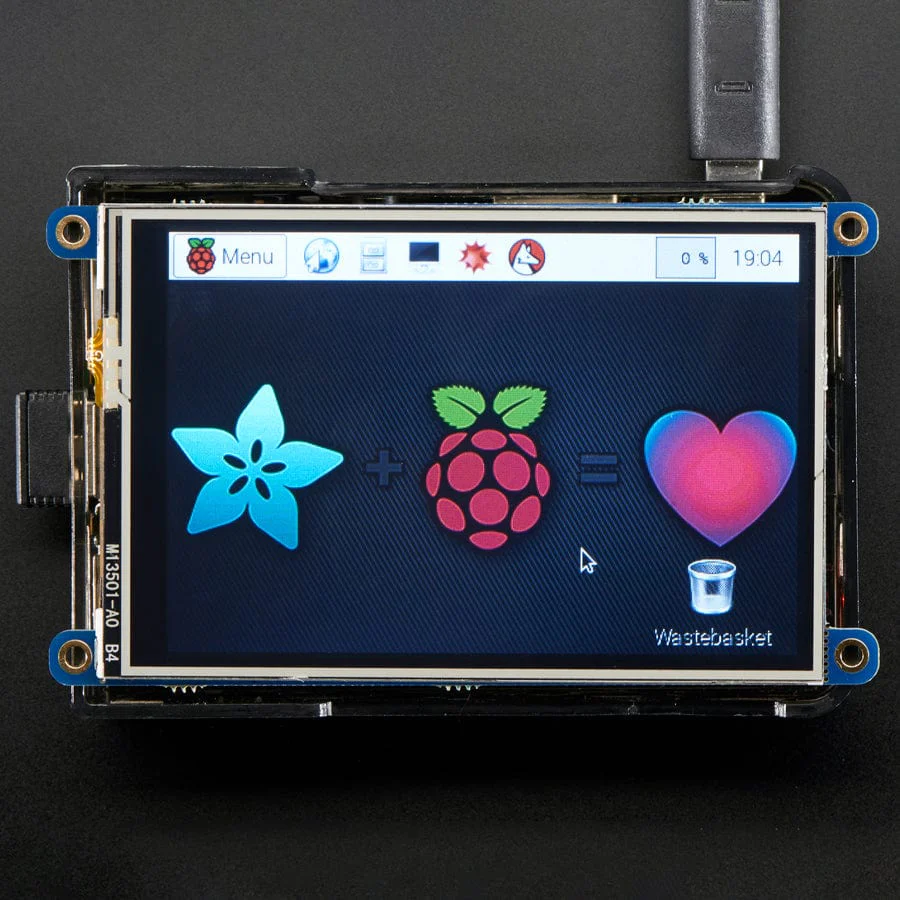
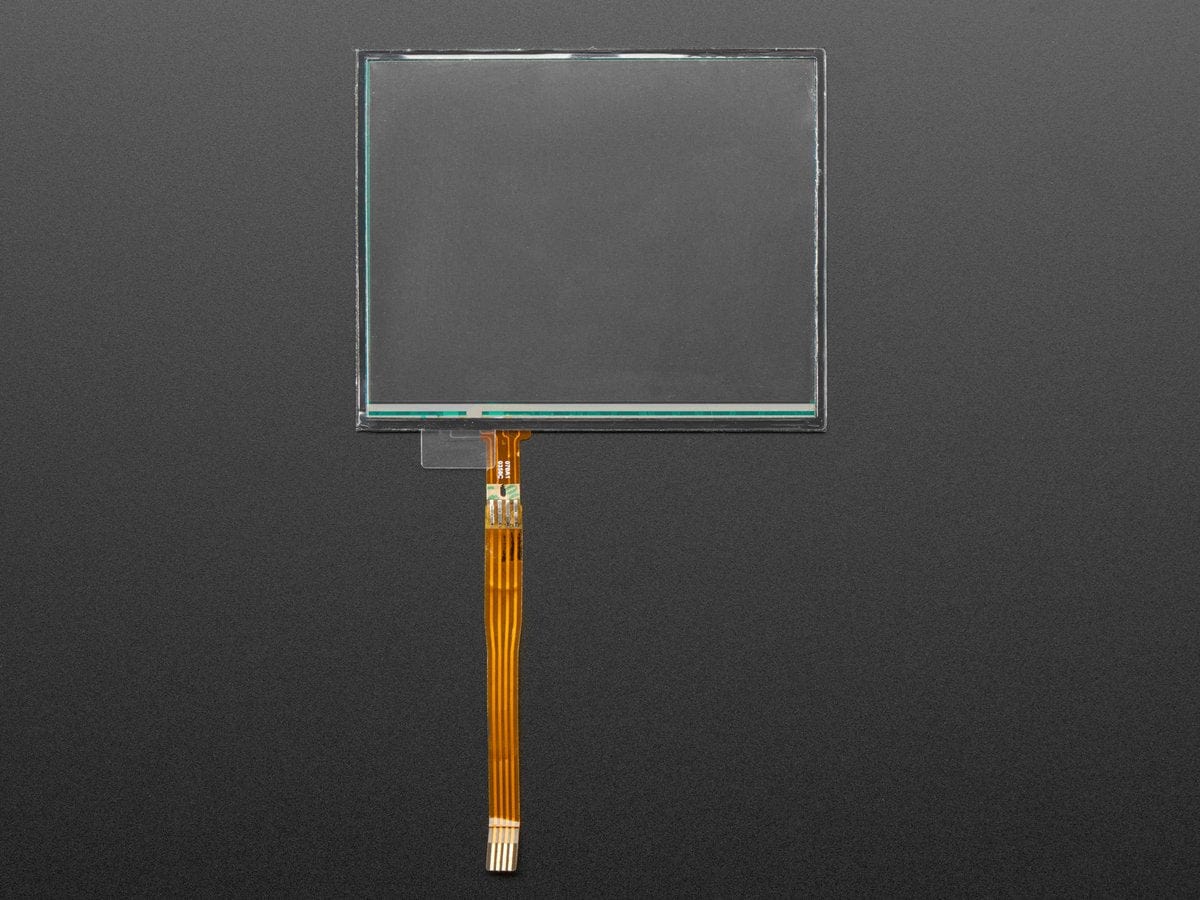
Want to poke at your projects? This resistive touch screen can be used with a stylus or fingertip and is easy to use with a microcontroller. You can put it over a paper overlay for a touch control panel or attach it to an LCD to DIY a touch-activated display.
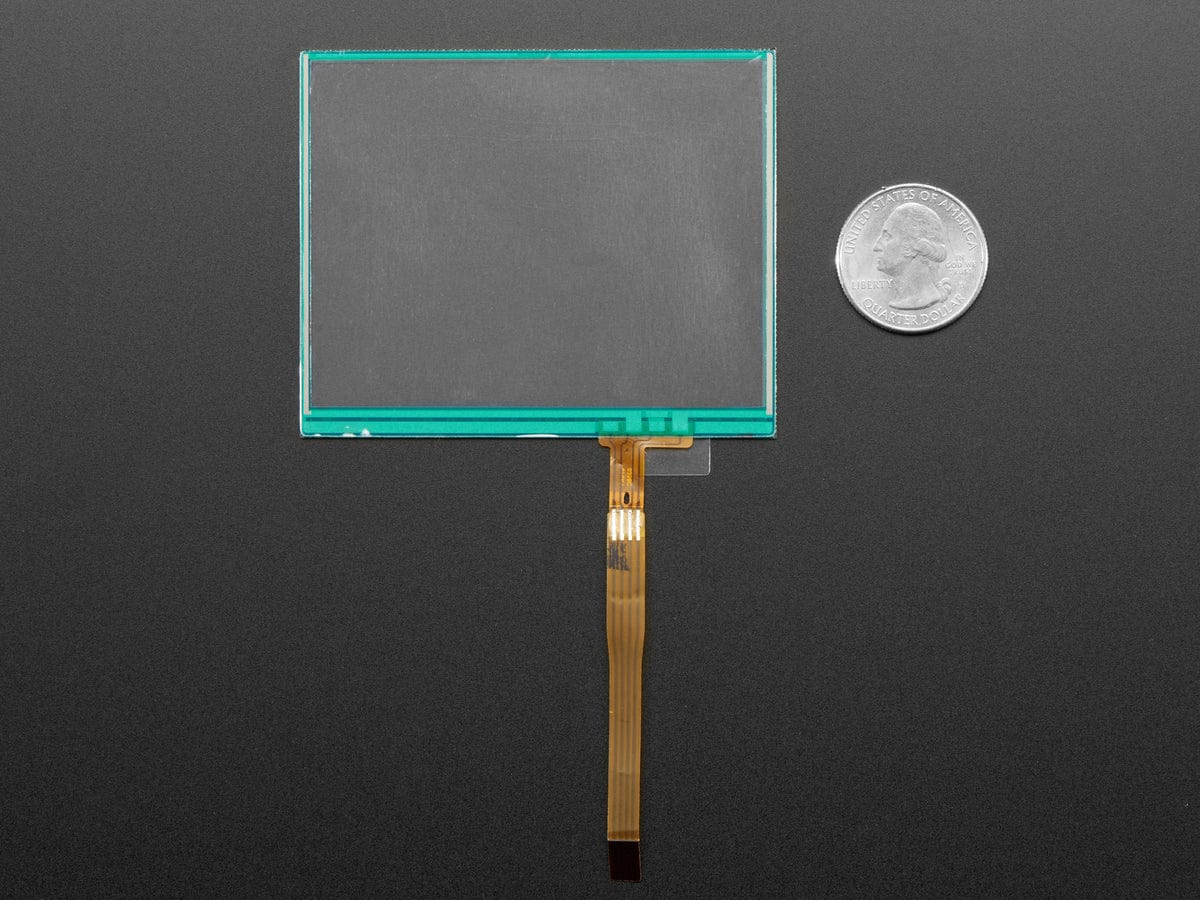
- 2.45" x 3" (62mm x 76mm) overall dimensions, 1.2mm thick
- 3.7" diagonal active area, 95mm
- 600 ohms across X pins, 300 ohms across Y pins
- 4 wire resistive display, on a 1.0mm pitch FPC connector
- Use any microcontroller with 2 digital pins and two analog input pins
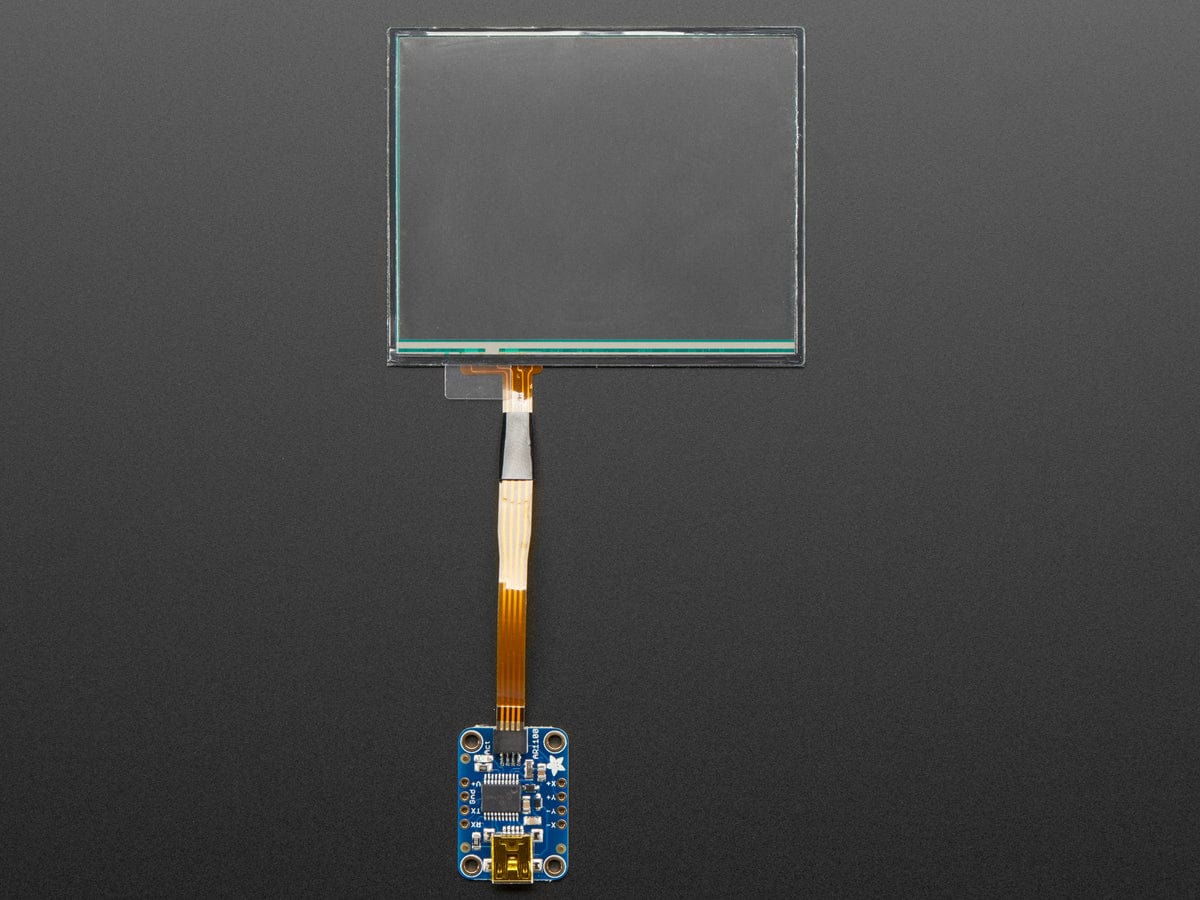
The connector is not breadboard-friendly so we suggest using our touch screen breakout board to make it easier to connect.
You can also use our AR1100 USB Mouse adapter to turn this into a USB touchscreen for any computer, or our STMPE SPI/I2C breakout for microcontroller usage.
For directly connecting to a microcontroller, we have great example Arduino library code that shows how to get readings, debounce, and read the pressure (so you can detect when it's being touched and how hard). The code is not complex and is easily ported to other microcontrollers.
To understand how touchscreens work, and the techniques used to read from them, we suggest this great app note.
Technical Details
Datasheet
Dimensions:
- Length: 76mm / 3"
- Width: 62mm / 2.45"
- Thickness: 1.2mm / 0.05"
- Weight: 8.4g / 0.3oz
Revision History:
As of 8/14/2017, we are no longer selling the version of this screen with the following dimensions:
- 2.2" x 2.75" (55mm x 70mm) overall dimensions, 1.5mm thick
- 3.2" diagonal active area, 80mm
Details & Craftsmanship
Every detail has been carefully considered to bring you the perfect product.
Details & Craftsmanship
Every detail has been carefully considered to bring you the perfect product.
Description
Want to poke at your projects? This resistive touch screen can be used with a stylus or fingertip and is easy to use with a microcontroller. You can put it over a paper overlay for a touch control panel or attach it to an LCD to DIY a touch-activated display.
- 2.45" x 3" (62mm x 76mm) overall dimensions, 1.2mm thick
- 3.7" diagonal active area, 95mm
- 600 ohms across X pins, 300 ohms across Y pins
- 4 wire resistive display, on a 1.0mm pitch FPC connector
- Use any microcontroller with 2 digital pins and two analog input pins
The connector is not breadboard-friendly so we suggest using our touch screen breakout board to make it easier to connect.
You can also use our AR1100 USB Mouse adapter to turn this into a USB touchscreen for any computer, or our STMPE SPI/I2C breakout for microcontroller usage.
For directly connecting to a microcontroller, we have great example Arduino library code that shows how to get readings, debounce, and read the pressure (so you can detect when it's being touched and how hard). The code is not complex and is easily ported to other microcontrollers.
To understand how touchscreens work, and the techniques used to read from them, we suggest this great app note.
Technical Details
Datasheet
Dimensions:
- Length: 76mm / 3"
- Width: 62mm / 2.45"
- Thickness: 1.2mm / 0.05"
- Weight: 8.4g / 0.3oz
Revision History:
As of 8/14/2017, we are no longer selling the version of this screen with the following dimensions:
- 2.2" x 2.75" (55mm x 70mm) overall dimensions, 1.5mm thick
- 3.2" diagonal active area, 80mm