The Story
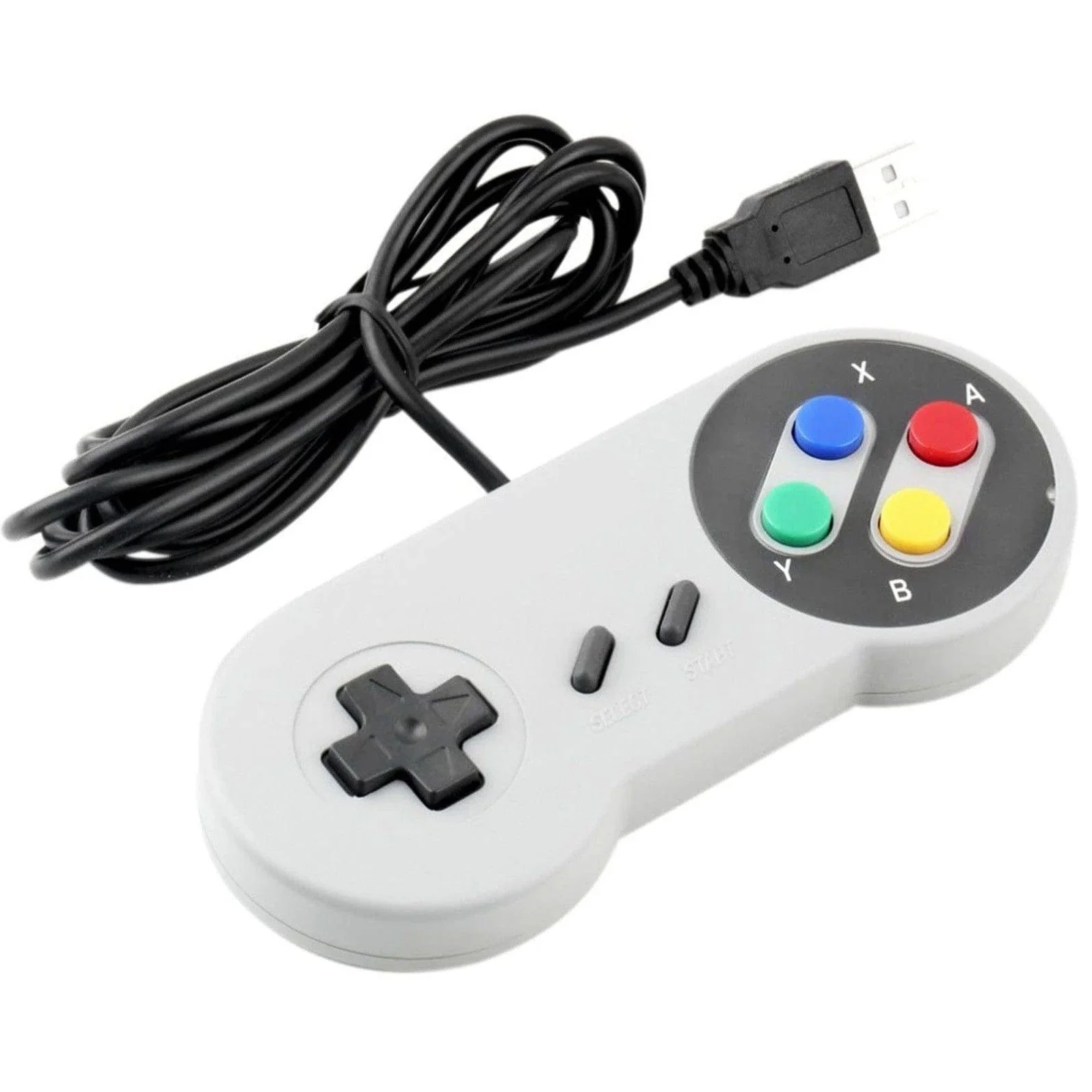
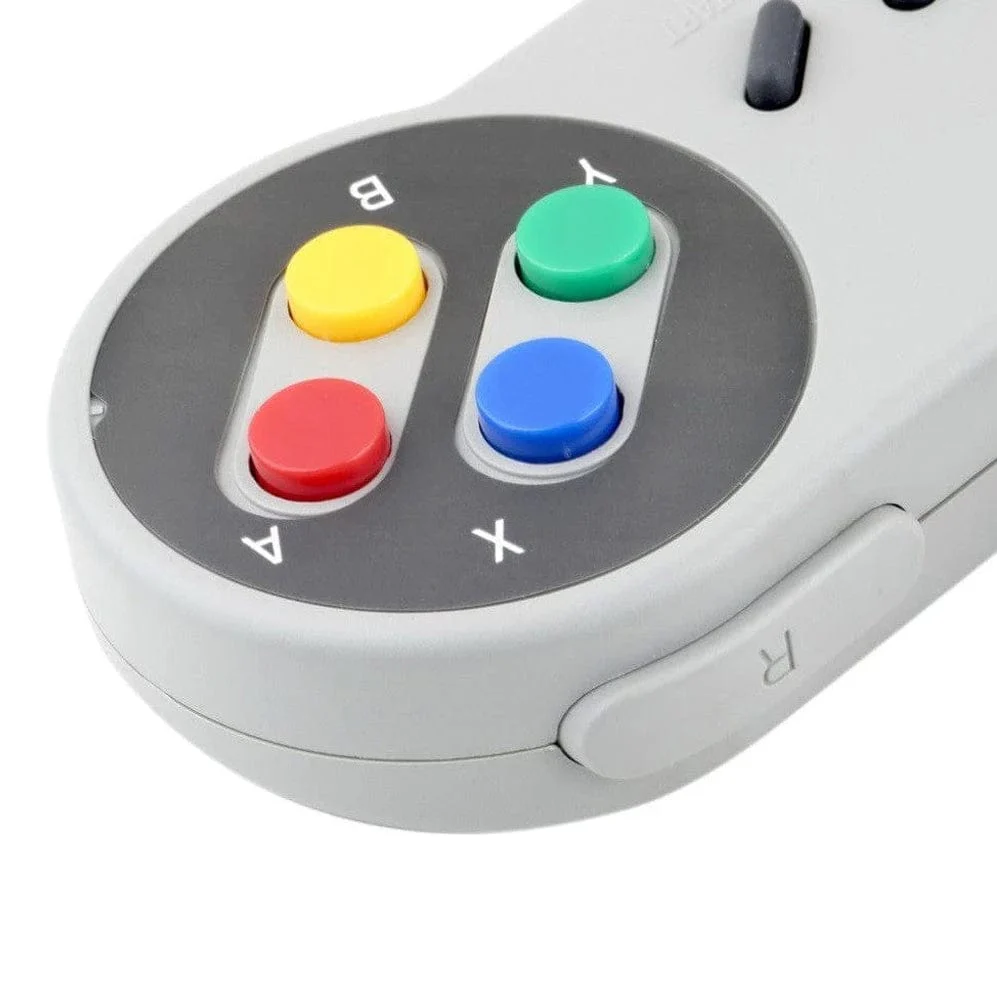
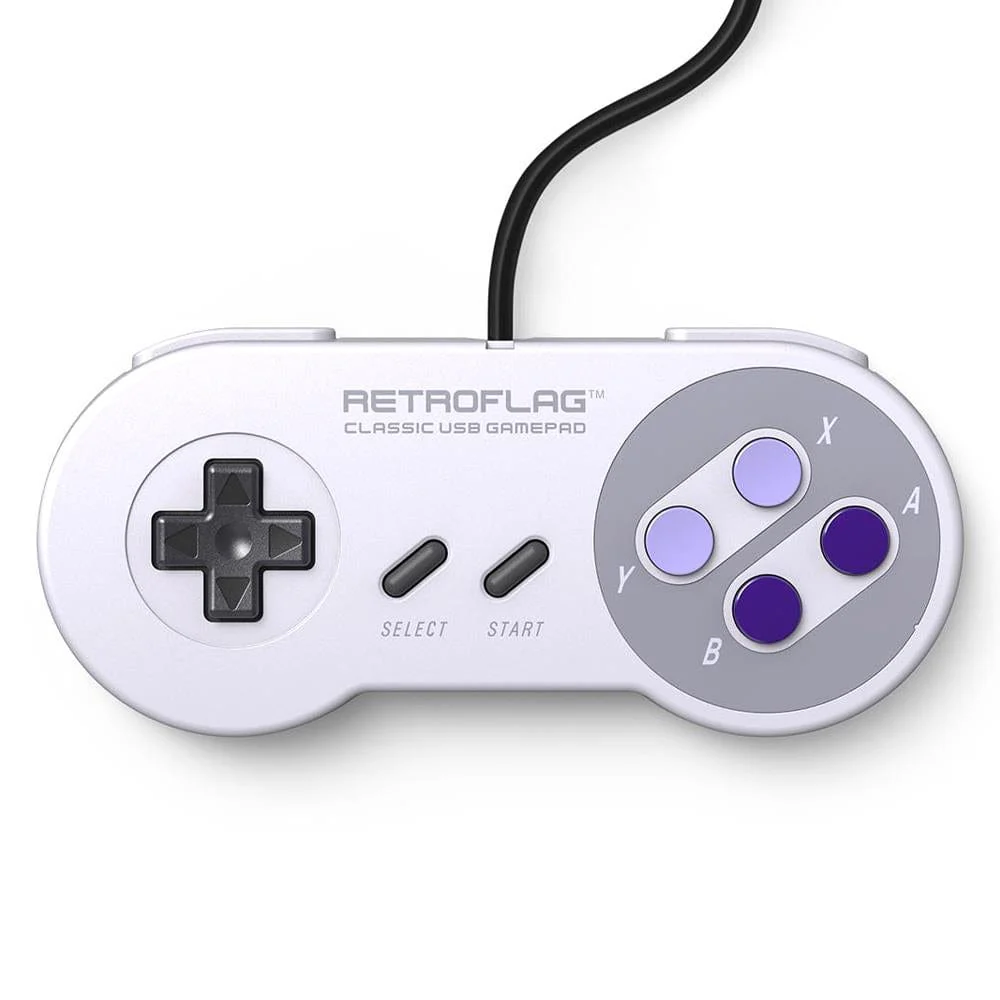
This SNES-style gamepad from RetroFlag oozes 90's retro gaming nostalgia and offers quality and a decent price. Also available in the 'J' colour variant.
With the familiar shape and button layout, your fellow gamers will appreciate the old school look and feel and the quality clicky button feel.
The gamepad is compatible with the Raspberry Pi (RetroPie recommended), Windows and Nintendo Switch (Requires Dock). Both XINPUT and DINPUT are supported as well as Turbo mode.
If you want to use this with a Pi Zero (for teeny-tiny gaming!) you'll need a USB shim.
Setting it up
When using with a Raspberry Pi and RetroPie, please use the following setup procedures depending on the preferred mode of use: (otherwise RetroPie might revert to Xbox 360 controller layout):
- XINPUT (default): On first use, hold the X button then plug the controller in
- DINPUT: On first use, hold the Y button then plug the controller in
Mode Button Mapping
DINPUT/XINPUT
| X/DINPUT | USB Controller-J |
| A | A |
| B | B |
| X | X |
| Y | Y |
| L1 | L |
| R1 | R |
| Select | Select |
| Start | Start |
Switch
| Switch | USB Controller-U |
| A | A |
| B | B |
| X | X |
| Y | Y |
| L | L |
| R | R |
| Select/- | Select |
| Start/+ | Start |
Specifications
- Cable: 1.8m
- Material: ABS
- Weight: 121g
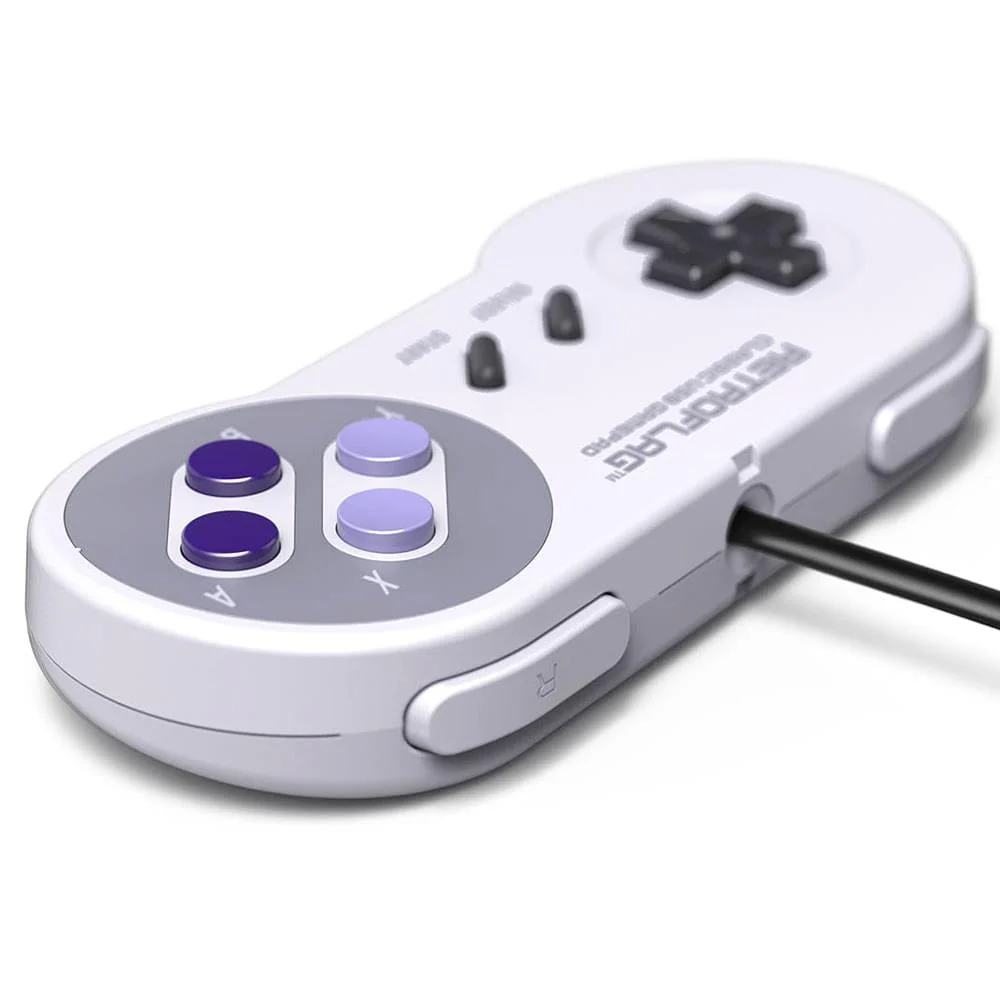
Details & Craftsmanship
Every detail has been carefully considered to bring you the perfect product.
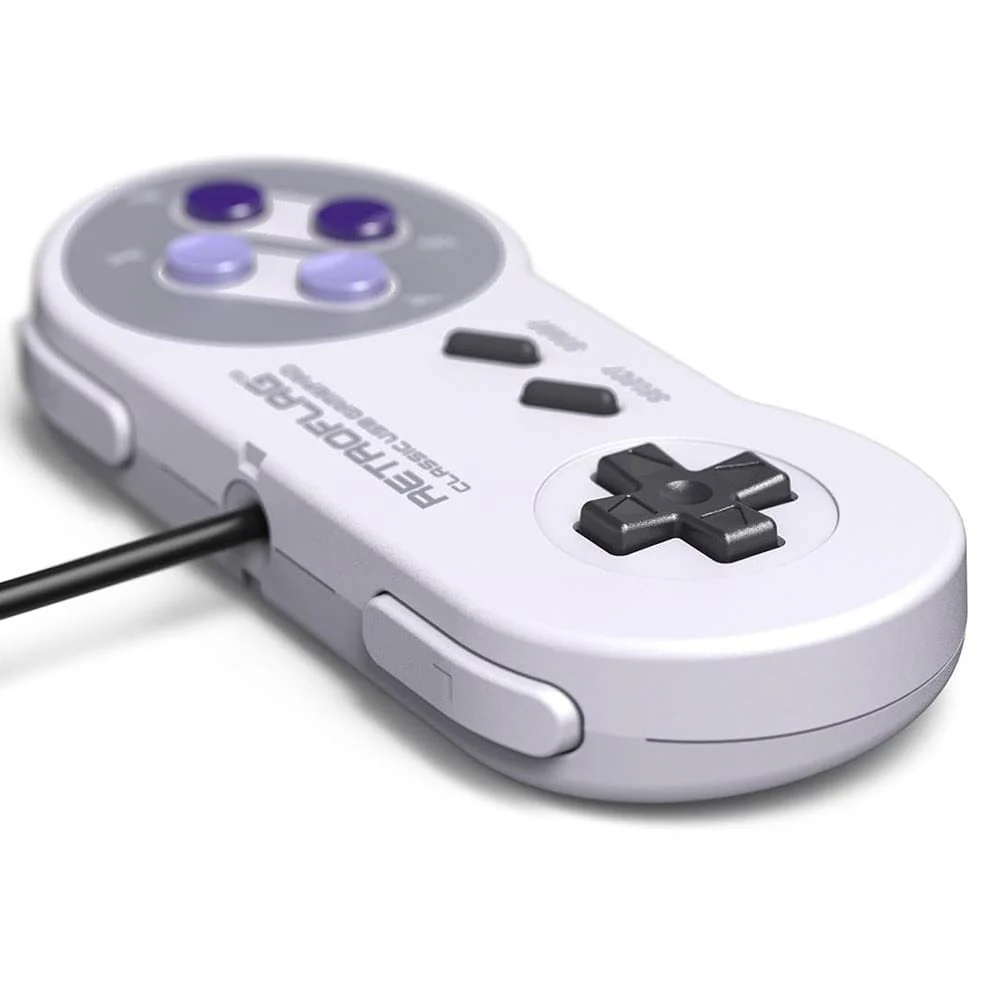
Details & Craftsmanship
Every detail has been carefully considered to bring you the perfect product.
Description
This SNES-style gamepad from RetroFlag oozes 90's retro gaming nostalgia and offers quality and a decent price. Also available in the 'J' colour variant.
With the familiar shape and button layout, your fellow gamers will appreciate the old school look and feel and the quality clicky button feel.
The gamepad is compatible with the Raspberry Pi (RetroPie recommended), Windows and Nintendo Switch (Requires Dock). Both XINPUT and DINPUT are supported as well as Turbo mode.
If you want to use this with a Pi Zero (for teeny-tiny gaming!) you'll need a USB shim.
Setting it up
When using with a Raspberry Pi and RetroPie, please use the following setup procedures depending on the preferred mode of use: (otherwise RetroPie might revert to Xbox 360 controller layout):
- XINPUT (default): On first use, hold the X button then plug the controller in
- DINPUT: On first use, hold the Y button then plug the controller in
Mode Button Mapping
DINPUT/XINPUT
| X/DINPUT | USB Controller-J |
| A | A |
| B | B |
| X | X |
| Y | Y |
| L1 | L |
| R1 | R |
| Select | Select |
| Start | Start |
Switch
| Switch | USB Controller-U |
| A | A |
| B | B |
| X | X |
| Y | Y |
| L | L |
| R | R |
| Select/- | Select |
| Start/+ | Start |
Specifications
- Cable: 1.8m
- Material: ABS
- Weight: 121g